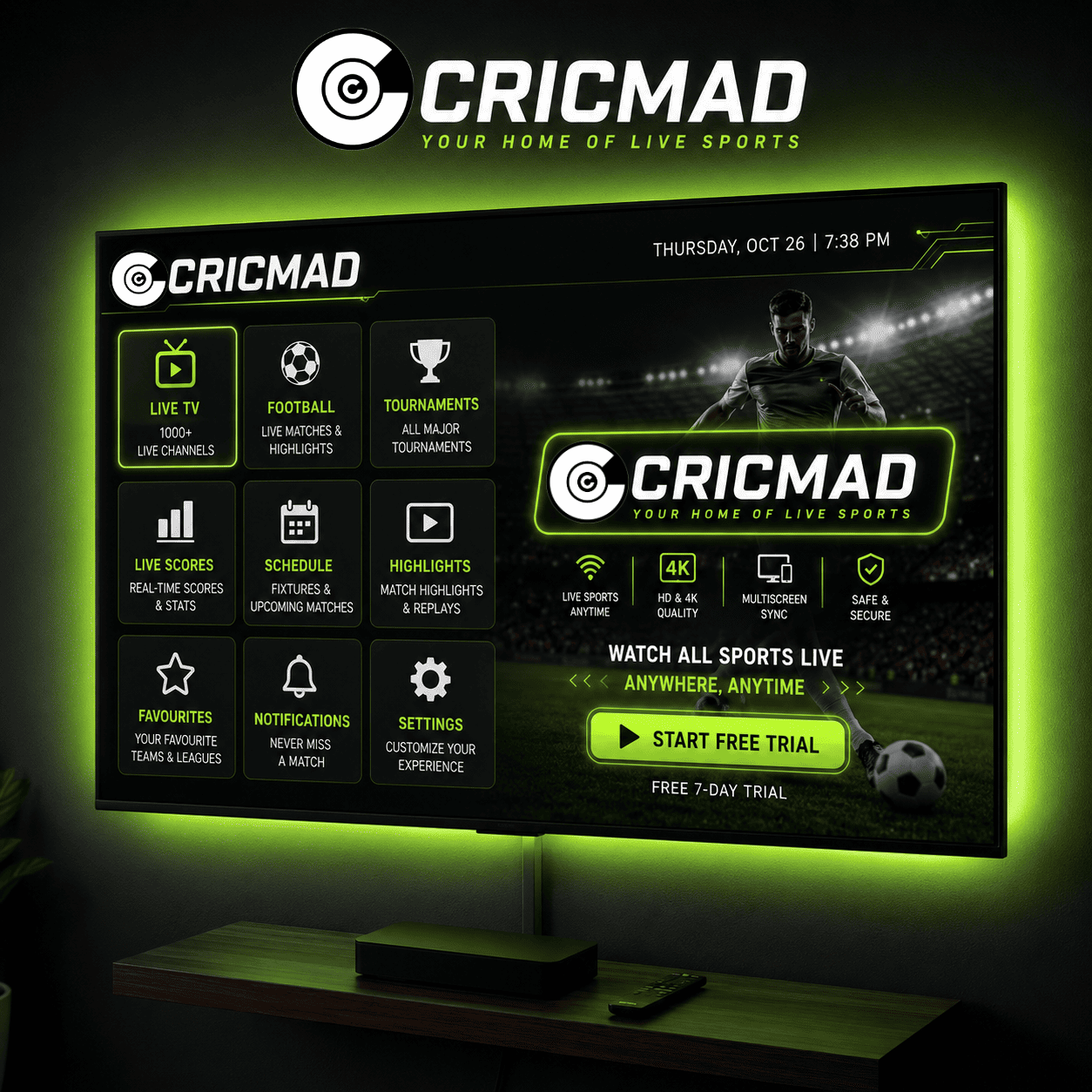
Watching a nail-biting match on your phone screen is convenient, but nothing compares to the immersion of the big screen. Thankfully, you don't need expensive cable setups or commercial apps to watch live sports on android tv.
By sideloading the Cricmad app, you can stream over 1500+ TV channels and live football, UFC, basketball, and cricket on your TV. In this tutorial, we will show you how to install cricmad on firestick and Android TV boxes.
Prerequisites: Preparing Your TV
Since Cricmad is a specialized free sports streaming app for tv, it is distributed as a direct Android APK package. Operating systems like Android TV and Fire OS require you to allow installation from unknown sources before you can sideload third-party apps.
Step 1: Install the Downloader App
We will use a free helper application called Downloader to fetch the installation package:
- Turn on your FireStick or Android TV and navigate to the Find or Search menu.
- Type
Downloaderin the search bar. - Select the Downloader app (usually has an orange icon) and click Download or Get to install it.
Step 2: Enable Installation from Unknown Sources
To authorize Downloader to write the package files:
- Go to the TV Settings (gear icon).
- Select My Fire TV (or Device Preferences / System on standard Android TV).
- Click on Developer Options. (Note: If Developer Options is hidden, go to About > and click on 'OS Build' 7 times to unlock it).
- Select Install unknown apps and toggle the setting to ON or Allowed for the Downloader application.
Step 3: Enter the Cricmad APK Download Link
Now we will fetch the Cricmad package file:
- Launch the Downloader app from your TV menu.
- Click the URL input field on the home screen.
- Enter the official download address:
https://cricmad.live/Cricmad-v15.0.0.apkand click Go. - Wait a few seconds for the Downloader app to connect and completely fetch the file (about 11MB).
Step 4: Install and Open Cricmad on TV
Once downloaded, the package installer will launch automatically:
- Click Install on the confirmation window.
- Once the installation is complete, click Done.
- Select Delete on the Downloader prompt to remove the temporary APK file and free up space on your device.
- Navigate back to your Apps screen, launch Cricmad, and start streaming!
Why Sideload Cricmad on Your TV?
Cricmad is optimized for TV remotes, featuring simple grid navigation. It leverages adaptive bitrate streaming to ensure that your TV feeds display in sharp 1080p and 4K Ultra HD without any buffering, even on standard wireless home networks.
Install Cricmad on Your Device Now
Direct download Cricmad APK to sideload on your Fire TV Stick, Android TV box, or Nvidia Shield.
Get Cricmad TV APK